

Oberthur Primary School Canteen
School canteen is a food service within our school where students and staff can purchase meals, snacks and drinks to be consumed on a Wednesday lunch time. It plays a key role in promoting healthy eating habits, supporting students energy and concentration, and creating a positive school environment
Purpose of a School Canteen
- Nutrition: Provides access to healthy, balanced meals.
- Convenience: Saves time for students and parents.
- Education: Reinforces lessons on nutrition and healthy choices.
- Social Space: Acts as a gathering point for students during lunch.
- Fundraising: Can generate funds to support school activities.
Typical Menu Items
- Fresh Sushi, sandwiches, wraps and salads.
- Hot meals like pasta, rice dishes or healthy pies.
- Fruits,yogurt and snacks
- Milk, juice and water.
Healthy Eating Guidelines
The ‘traffic light’ system offers additional information:
- Green- Healthy everyday foods (e.g Fruits, vegetables,lean meat).
- Amber-Occasional foods (e.g basked snacks, processed items).
- Red- Should be avoided (e.g soft drinks, deep fried foods).
Management
Our school canteen is:-
- Run by the school parent committee.
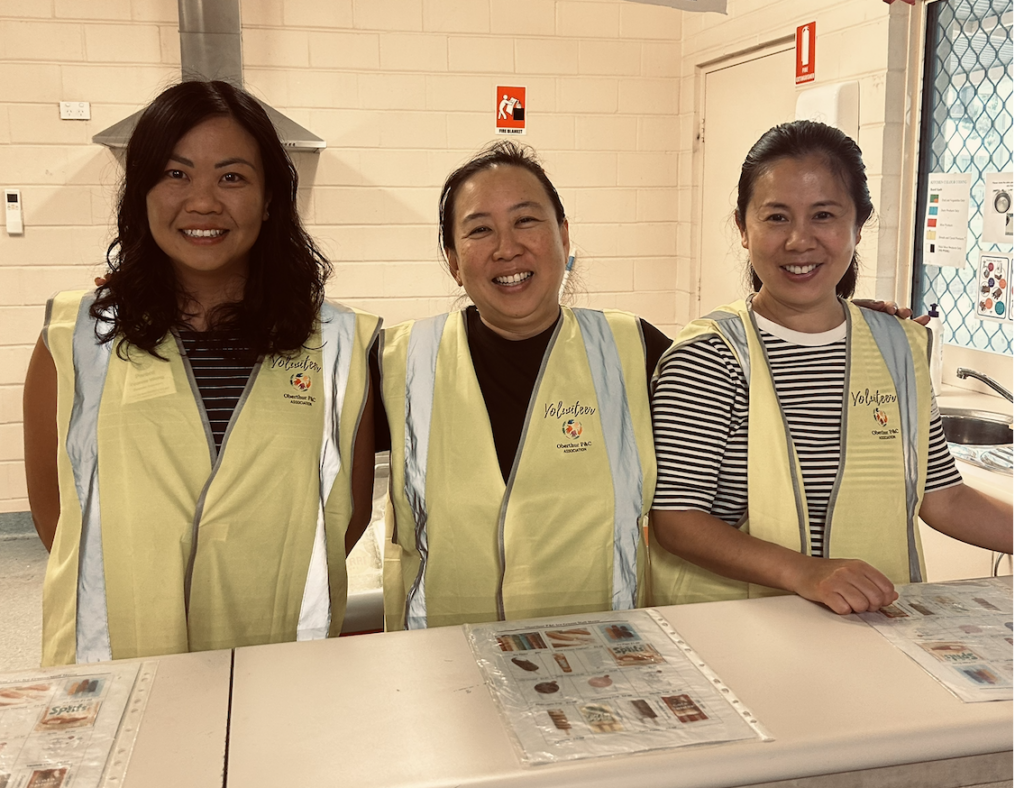
- Staffed by volunteers.
- Operated by an external food service called ‘Lunch Box’.
All items on our school lunch menu are nut free, although it is important to note that Lunch Box operates in a kitchen that contains nuts for their retail sector; therefore there is no guarantee that there will be no trace of nuts. However, they follow strict measures to prevent any cross contamination where possible.
Oberthur Primary School Canteen Information
How it works:
- All canteen orders must be placed in advance through our provider Lunch Box.
- Orders close at a specific time( please check with Lunch Box for cut-off times).
- Meals are freshly prepared and delivered directly to the school every Wednesday.
Canteen Day: Every Wednesday: Lunch Only.
Setting up an account
Use the registration form on www.school-lunch.lunchboxhub.com.au to create your account.
Once created and logged go to the ‘Manage Students’ sections of your account set up the students you are ordering for.
Ordering
Once you have logged into your account, simply browse the lunch menu to find the food you want. When purchasing an item from the menu, you will also be prompted to select which student the item is for. Once you are ready then proceed to checkout.
Payment
During checkout you will have the option to process your order via credit card, or you add a credit card to your account and purchase orders by drawing down your credit.
Note that there is a service charge of 50c per order(not per item). This will be passed onto the P & C as a fundraiser.